TEAMS TRAINING SERIES: Contents >
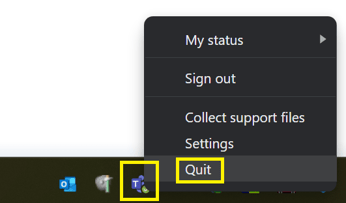
- Stop the Microsoft Teams app by right-clicking the Teams icon in the bottom right of the taskbar. If you don't see it, click the arrow up first to show hidden icons.
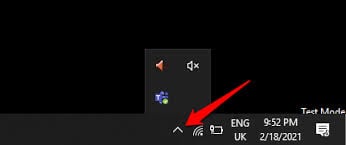
- If the Teams icon is missing then Teams probably is not running. Continue to step 2.
- Select Quit
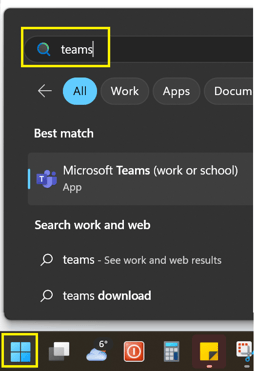
- Reopen by press the Windows Start button bottom left
- Type teams
- Select Microsoft Teams and the app should open