How do I access Viva Engage?
-
Viva Engage on the Web
-
Microsoft Teams app > Engage tab
- Engage app installed on diocesan mobile phones and tablets
- If missing, install from the Company Portal app (Apple) or Play Store app (Android)
What is Viva Engage and how do I use it?
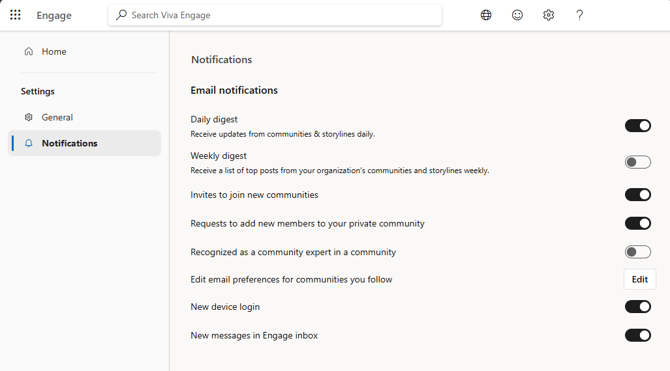
How do I manage email and other notifications from Viva Engage?
-
Go to the Viva Engage Settings
- On the web, select the ⚙️Settings icon in the top right
- In Microsoft Teams > Engage > under Home in the left panel, select the ellipsis . . . next to your name > ⚙️Settings
- In the Engage mobile app select the ellipsis . . . View all in the bottom right >⚙️Settings
- Select Notifications
- Enable or disable the notifications you wish to receive.